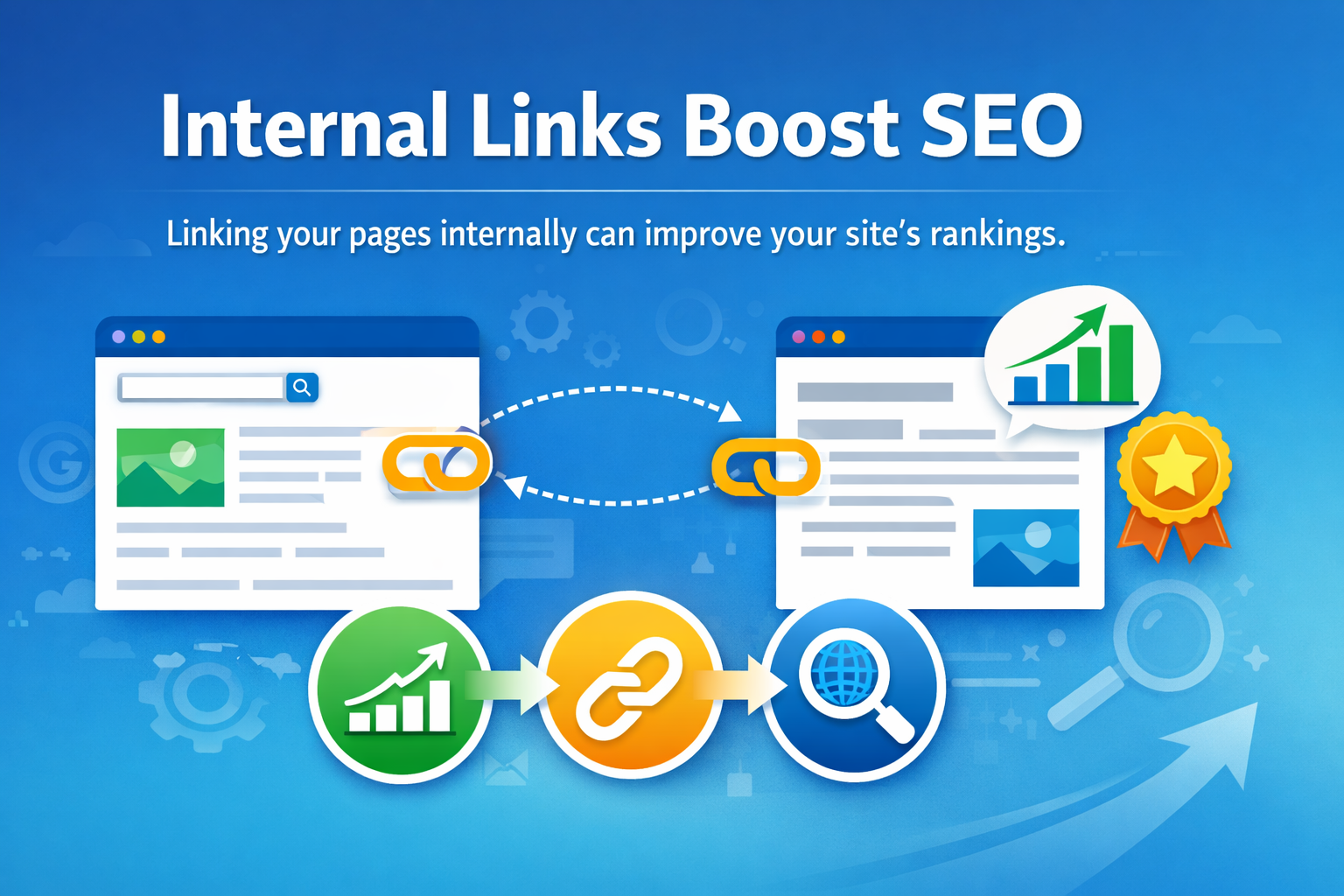
What is an Internal Link?
An internal link is a hyperlink that points to another page within the same website or domain. It is used to guide both visitors and search engines to different pages or content on your site.
For example, if a blog post on “How to Write SEO Title Tags” and you link it to another post called “On-Page SEO“, that’s considered an internal link. This perfect because it is relevant to the content.
Internal links help create a web of connected content within your site, which makes it easier for both search engines and users to navigate and find relevant information.
Why Are Internal Link Important?
While internal links are important for SEO, they also serve many other important purposes that improve the overall performance of your website.
Let’s see why is it matter for SEO:
1. Improves Website Navigation
Internal links help users find their way around your website. If someone is reading a blog post and wants more information on a related topic, internal links give them a direct path to that content. By connecting related content, you enhance the user experience, encouraging visitors to explore your website further.
2. Helps Search Engines Crawl and Index Your Website
Search engine bots use internal links to navigate your site and find new pages. Without internal links, some pages on your website might not be discovered by the bots, which can limit your site’s visibility. Proper structured internal links ensure that search engine bots can crawl and index your site efficiently and boosting your chances of ranking in search results.
3. Distributes SEO Value Throughout Your Site
Internal links help spread SEO value across your website. When your high-authority page or popular blog links to another page, it passes some of its authority to that page, improving its chances of ranking higher. This can help even your new or lesser-known pages gain visibility.
4. Reduces Bounce Rate and Increases Engagement
By providing more opportunities for visitors to navigate to other relevant content on your site, internal links keep users engaged and lower your bounce rate. A lower bounce rate signals to search engines that your content is relevant and valuable, which can positively impact your rankings.
5. Improve User Experience
Although internal links are crucial for SEO, they also improve user experience. They make your content more organized, and give users an easy way to find additional information without having to leave your site. This leads to a better overall experience for your visitors, increasing the likelihood of repeat visits.
Internal Link vs External Link
Now that you know internal links connect pages within the same website, meanwhile external links point to pages on different websites. Here’s a comparison of both:
Internal Links:
- Purpose – Connects pages on the same website.
- SEO Benefit – Helps distribute link equity and improves crawlability.
- User Benefit – Improves navigation and makes it easier to find related content on the same site.
External Links:
- Purpose – Directs visitors to other websites.
- SEO Benefit – Links to authoritative external sources can improve the credibility of your content.
- User Benefit – Provides more comprehensive information from trusted sources.
With that said, internal links are crucial for enhancing the structure of your site and guiding both users and search engines to discover more content, while external links provide value by linking to trusted third-party content.
4 Simple Way to Set Up an Internal Link for Your Website
Setting up an internal link is super easy and can be done in just a few steps:
- Choose Relevant Content – Select the page or post you want to link to.
- Use Descriptive Anchor Text – Anchor text is the clickable part of the link. Instead of using generic terms like “click here”, use descriptive text that explains what the link leads to. Example, “What is On-Page Optimization in SEO”.
- Insert the Link – In your content, highlight the anchor text and insert the link to the relevant page within your site.
- Check for Broken Links – Regularly check your internal links to make sure none of them are broken or lead to pages that no longer exist.
Is that simple right? Internal linking is simple, but it brings significant benefits
6 Best Practices for Internal Linking
- Link to Relevant Pages – Only link to content that is contextually relevant. Linking to unrelated pages will confuse users and search engines.
- Use Descriptive Anchor Text – Instead of using vague text like “click here” use anchor text that describes the content you’re linking to. For example, if linking to a page about importance of SEO, use anchor text like “5 Reason Why is SEO Important“
- Limit the Number of Links per Page – Do not place many internal links. It may be too much for readers and bad for user experience. Focus on linking to a few highly relevant pages.
- Prioritize High-Value Pages – Link from pages with strong authority like your homepage or most popular blog posts to pages that need more visibility.
- Update Older Posts with New Links – As you create new content, go back to older posts and add internal links to them. This helps keep older content relevant and connected to new content.
- Ensure Links Work Properly – Always check that your internal links are working and don’t lead to broken or outdated pages. This maintains a smooth user experience and avoids frustrating visitors.
Frequently Asked Questions
What is the minimum or maximum number of internal links I should add in a post?
There’s no set limit, but aim for 3-5 relevant internal links per post to avoid overwhelming readers while still improving SEO.
Is it better to link to the homepage or other pages within my website?
It’s better to link to deeper, relevant pages (like blog posts or service pages) to pass link equity to pages that need more visibility.
Can my internal links automatically break for no reason?
Yes, internal links can break if the linked page is deleted, renamed, or the URL structure changes, so always check for broken links regularly.
Should I always add an internal link to every page?
No, you don’t need to add internal links to every page. Focus on linking to the most relevant and high-quality content. Linking to unnecessary or irrelevant pages could confuse users and dilute the value of your internal linking strategy.